Check Your Client's Positioning Anywhere In The World
Our simulator lets you check how your client’s business shows up for people in a specific location, without a VPN. Choose a city or a ZIP code and a keyword, and see the results for that place.
What Does It Look Like?
Search Engine Optimization
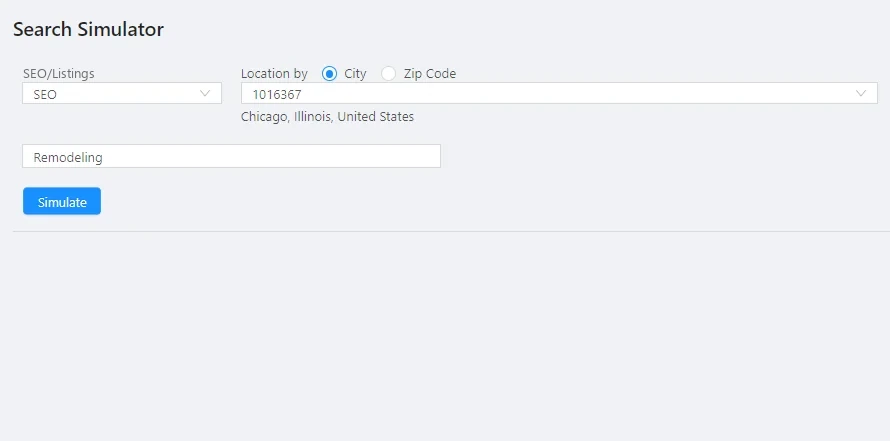
If you want to check how your client is displaying in the search engine, all you have to do is select SEO, then add the locality or specific ZIP CODE and the keyword for which you want to analyze the positioning.
Local Listings
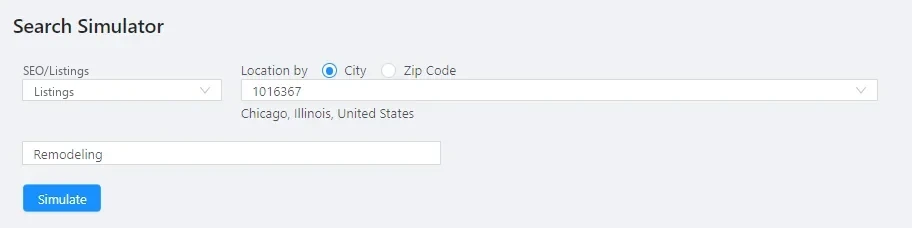
If you want to check how your client’s business listing appears in local map results, select the local listings option, then add the city or a specific ZIP CODE and the keyword for which you want to analyze the positioning.