Roles And Their Assigned Accesses
Admin
Has full access. Can see all campaigns and all information about them.
Campaign manager
Has full access, but only to the campaigns he manages.
Specialist
Has access to the same campaigns as their assigned manager, but only to a limited subset of the data
Customer service
He only sees information regarding the basic contact details of customers. He can quickly check who is calling him, who is the manager of a given customer, what is his website, etc.
Developer
Sees only access to the web pages of each campaign.
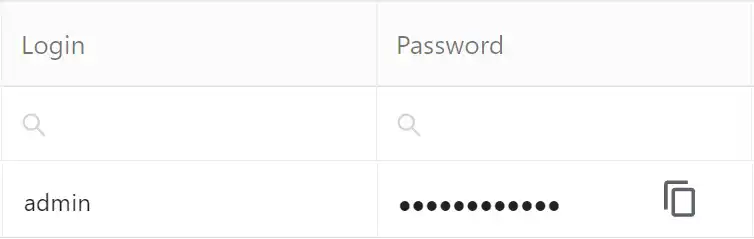
All fields with passwords are secured, and for faster use, we added an intuitive copy option.

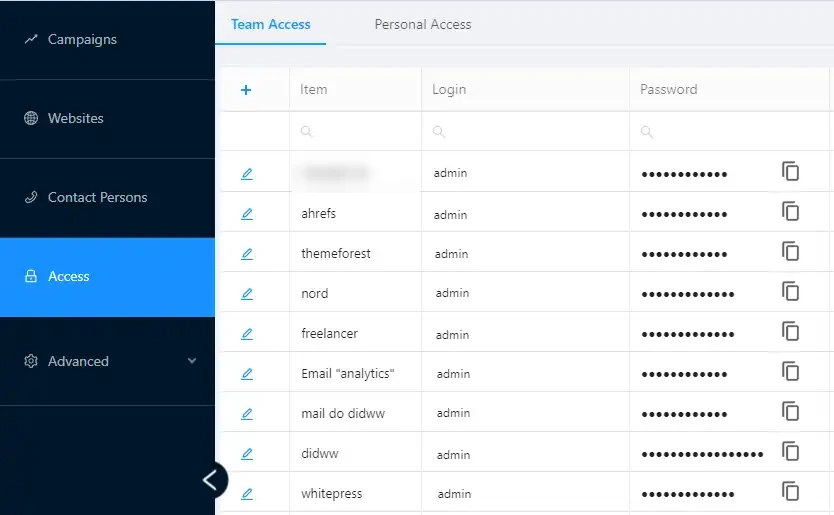
Manage Passwords For The Whole Team Or Just Yourself From One Place!
Team Access
You can manage passwords for an entire team from a single dashboard. This eliminates the problem of employees storing passwords on their own and messages within the company like “Who has the latest password for our hosting account?”.
Personal access
Users also have access to a dedicated dashboard, labeled “Personal Access”, where they can manage their individual permissions. The data contained within this tab is exclusively visible and editable by the user, ensuring privacy and control. This feature eliminates the need for maintaining passwords locally in separate files, consolidating everything into one secure location.